
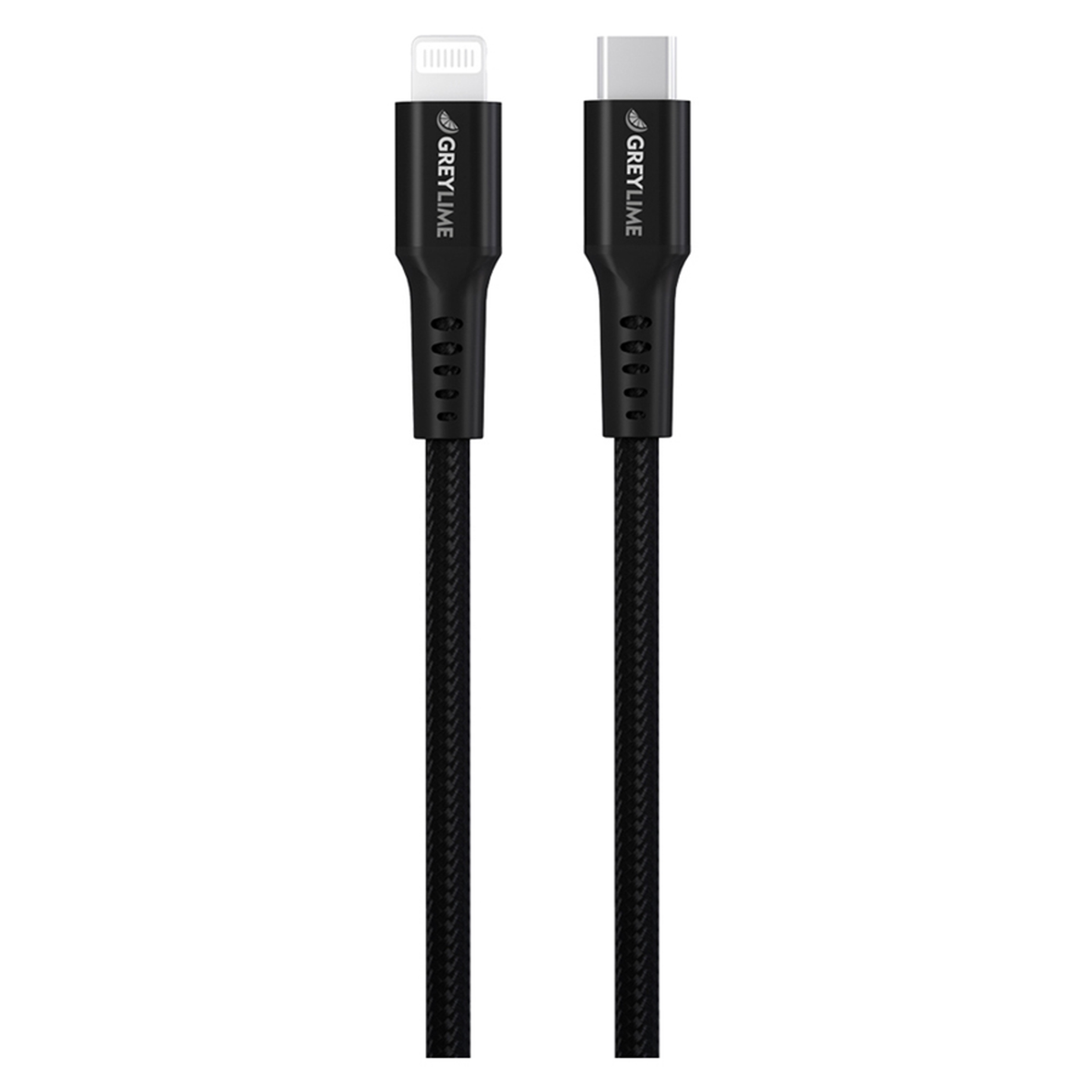

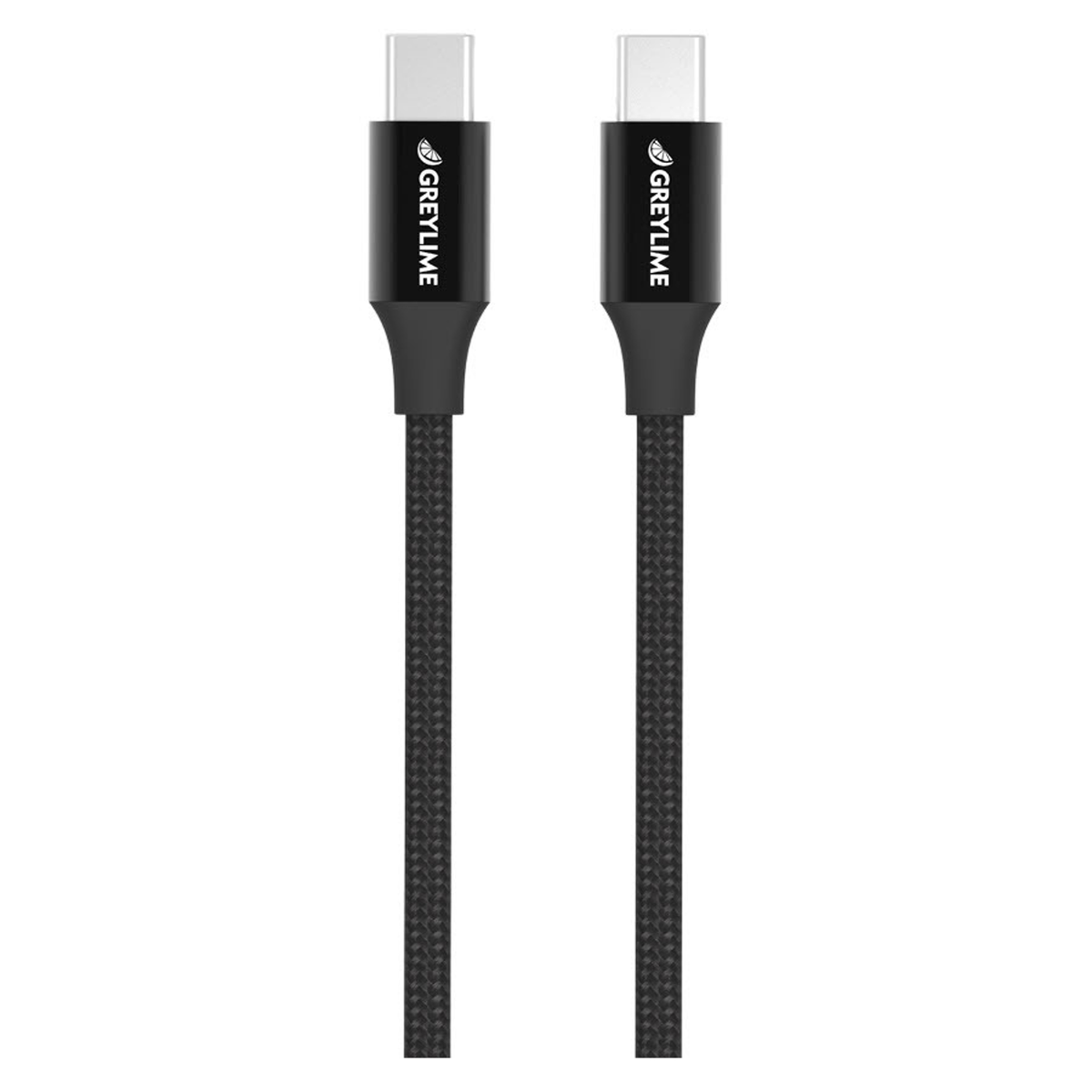
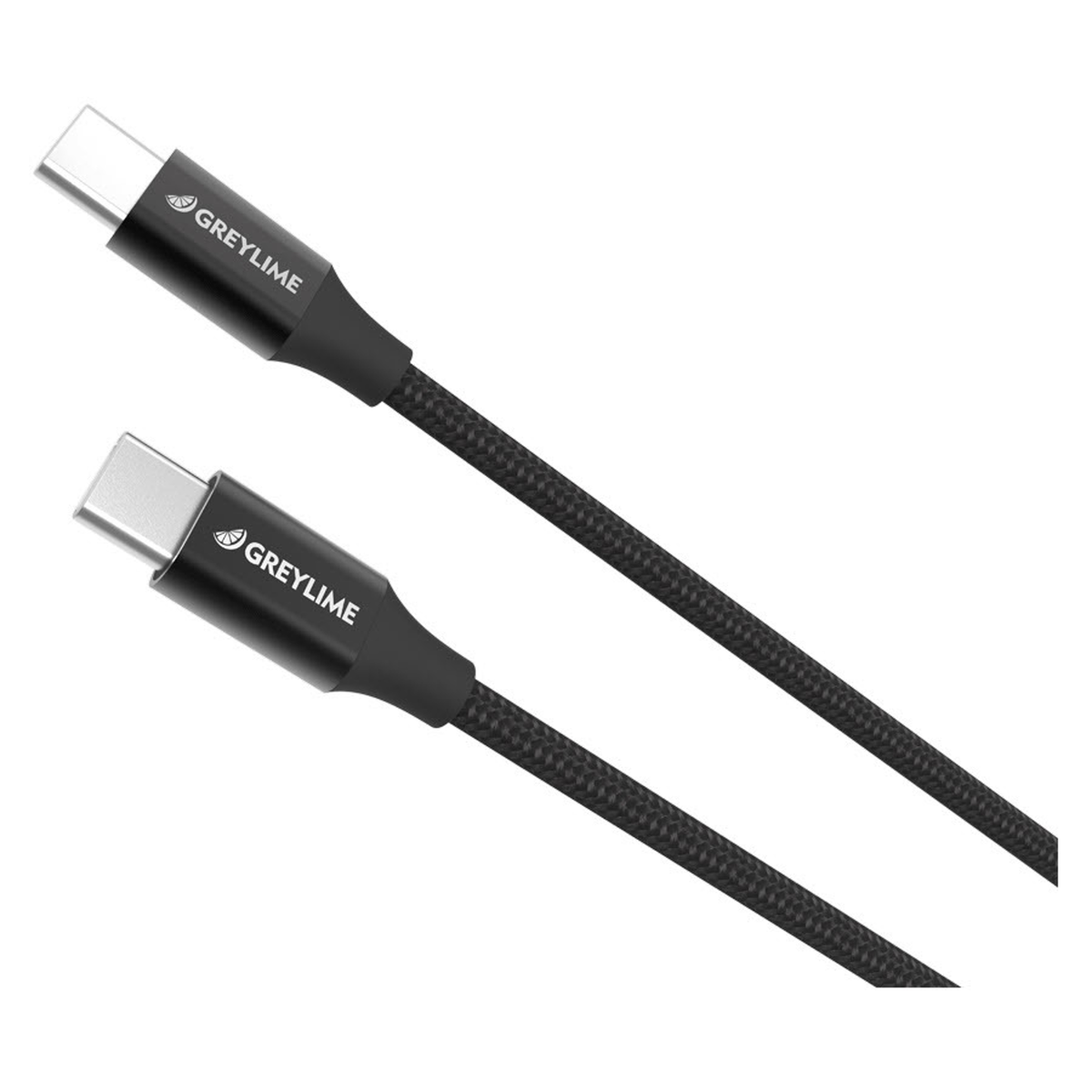
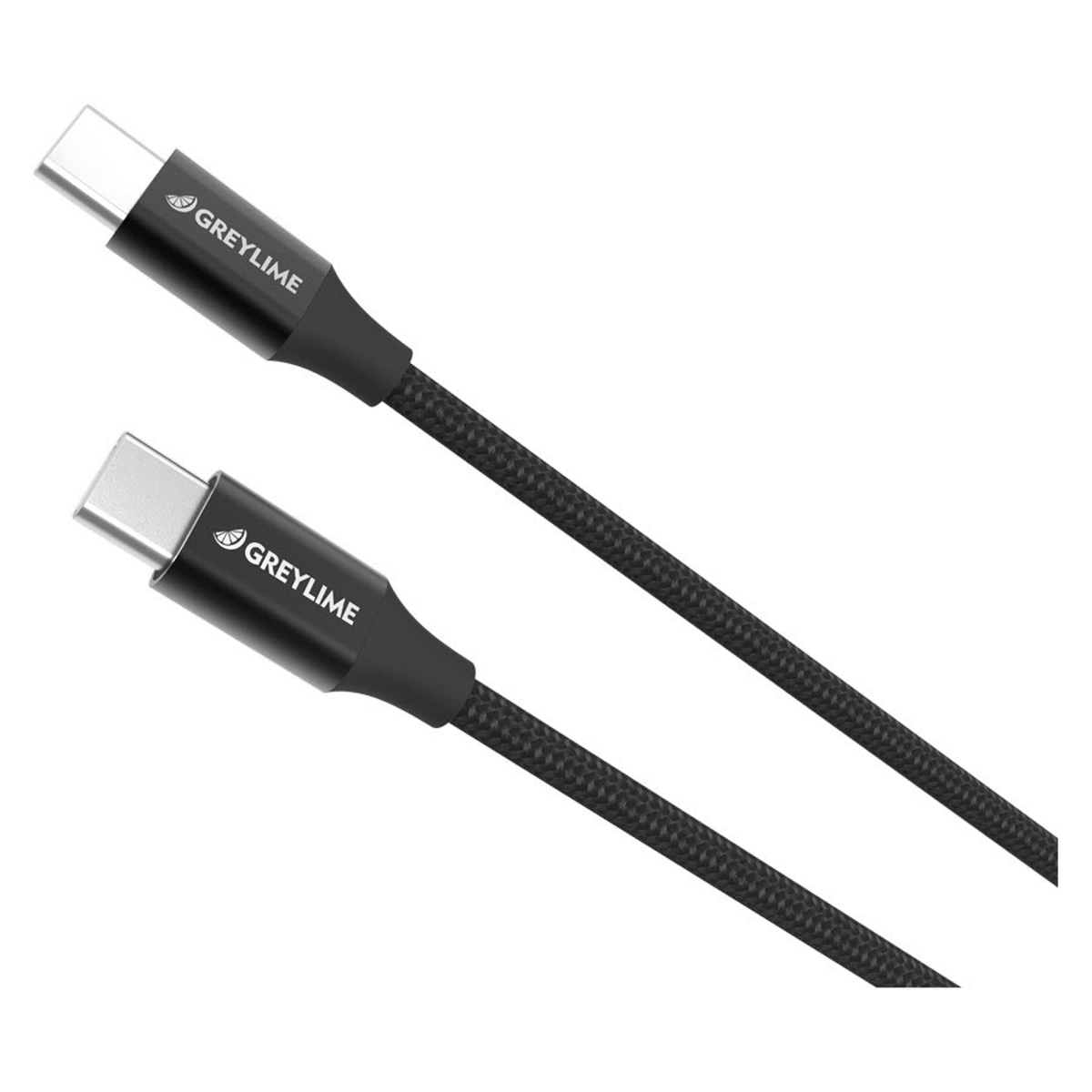
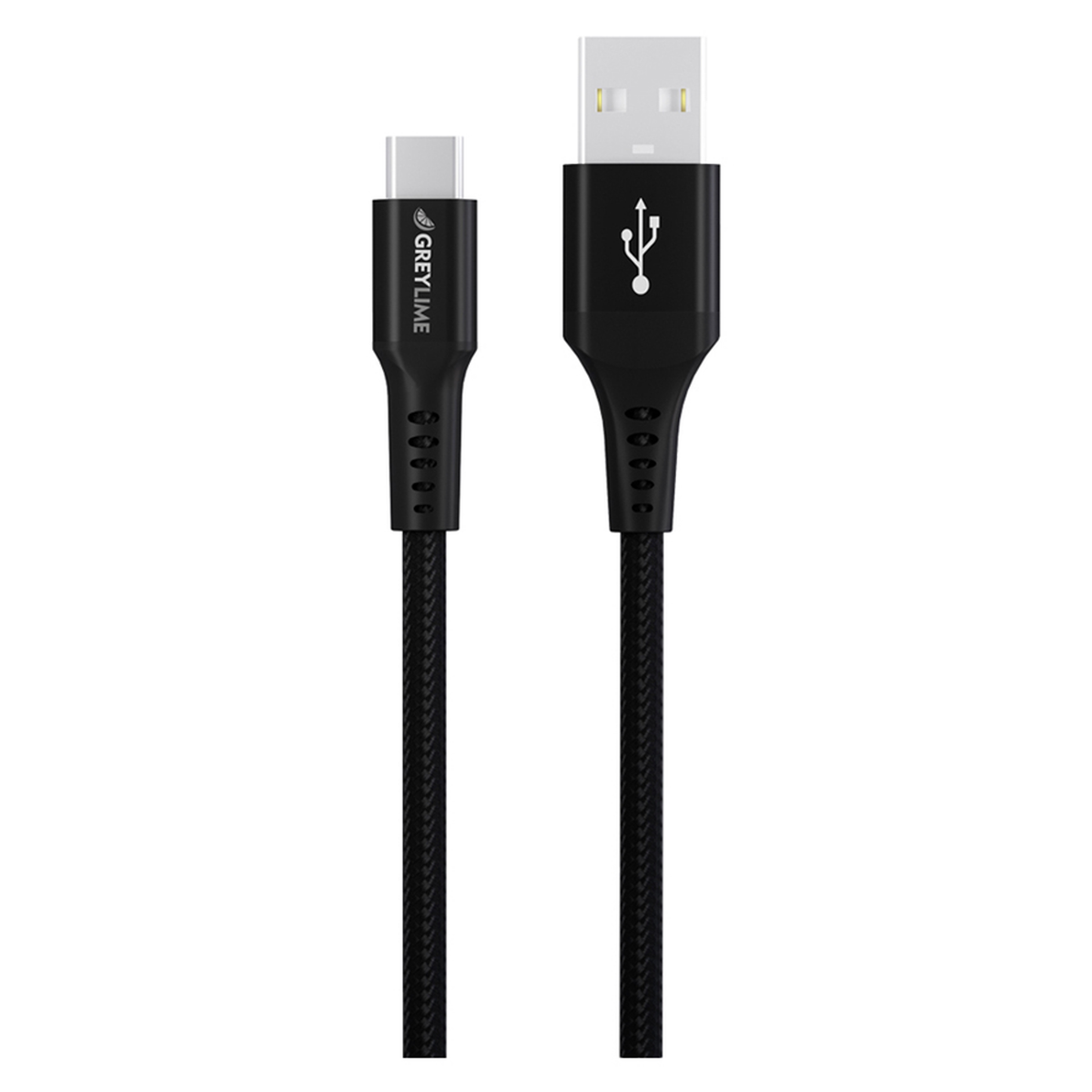

If you're looking for a cable for a power bank, iPhone, Samsung, Huawei, Nokia, MacBook, or something else entirely, you'll find it here on this page. At Balar, you'll find cables in many different varieties, which are naturally of good quality and look great. If you're unsure which cable meets your needs, we've put together a small overview at the bottom of this page.
Which cable is right for you?
When it comes to cables, there are several different types that can sometimes be a bit difficult to navigate, so we have prepared a small guide for you, which should provide an overview of which charging cable best suits your needs.
USB-A
USB-A is currently the most frequently used connector for data transfer and is also the most common connector. It can be recognized by its rectangular shape. USB-A is often the connector you use to connect accessories such as mice and keyboards. Most computers today typically have one or more of these inputs. USB-A is available in two versions: USB-A 2.0, which supports data transfer up to 480 Mbit/s, and USB-A 3.0, which supports data transfer up to 5 Gbit/s.
USB-C
USB-C is the newest member of the USB family and is most often used in smartphones, but also in newer computers. One of the connector's great features is its symmetrical design, which means you cannot insert the connector incorrectly when plugging it into your devices. USB-C can have several different properties associated with it, for example, Thunderbolt 3, which allows you to connect displays via the connector, or Power Delivery, which ensures lightning-fast charging for your devices.
Micro USB
Micro USB is a small version of the classic USB-A connector. It is most often used in smaller devices such as smartphones. This connector is not used as frequently anymore and is increasingly being replaced by USB-C.
Lightning
Lightning is Apple's version of a charging cable/connector. The connector is available with USB inputs so you can connect it to computers or a wall charger, among other things. This connector is an upgrade from Apple's old 30-pin connector. The upgrade means you can no longer insert the Lightning connector incorrectly when connecting it to your devices, which was possible with the old 30-pin model.
MagSafe
MagSafe was developed by Apple to charge MacBooks. MagSafe uses a magnet for charging and does not need to be inserted into the MacBook, which provides increased safety if someone accidentally pulls the cord during charging.